You are reading: Home › QC photos
Reading CFans warehouse QC photos, drawer by drawer
What CFans checks when your goods arrive, how many photos to expect, what the check leaves out, and what to look for in the photos of each kind of pick.
What the standard warehouse check covers
QC, quality control, is the inspection a shopping agent does when your goods reach its warehouse. At CFans it starts with screening for prohibited items, then compares the goods with your order: the style, how many, the colour, the size label and the model, plus any visible damage or stains. The help centre defines a defect as a round mark of 0.5 cm across or more. The goods are then repacked, in their own packaging where possible, weighed and stored.
Several identical items get one detailed photo plus a group photo to prove the count. Different sizes of one style are sorted and photographed by size. Film-sealed goods stay sealed; inspectors look at the wrapping alone. Electronics are checked from the outside and never switched on.
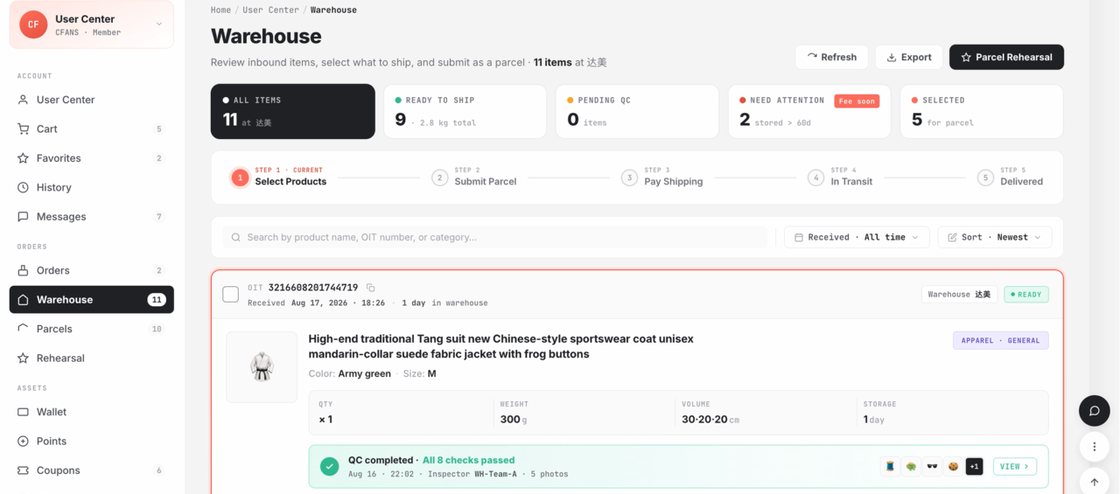
Official pages say different numbers. The help centre article on purchasing standards says three to five photos. Every item page we read on October 24, 2026 promises "3-7 pcs HD" inspection photos, free. Count on three; extra photos are luck.
What the check deliberately leaves to you
CFans lists what its inspection does not judge: colour variation, actual size discrepancies, how a product performs, whether a phone case fits, the accuracy of prescription glasses, linings, packaging appearance, print quality and missing minor logos. Defects that match the seller's own description are not defects either.
That list is the reason this catalogue is sorted by measuring. A hoodie that arrives in the size you picked has passed QC even if it fits like a tent. Fit is your homework, done before the order, with the size reader and the seller's chart.
How to check QC
What to look for in the photos of each drawer
No-tape drawer
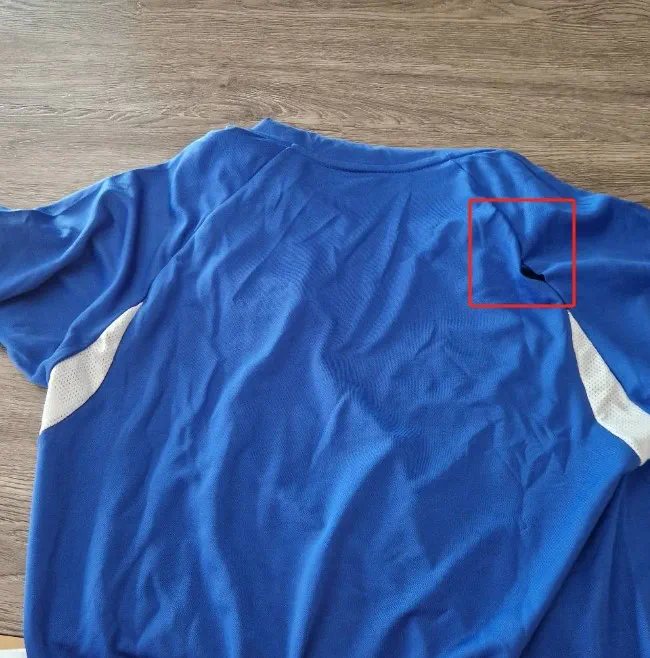
Zoom on the parts that move or close: zip ends, strap hooks, hinge screws on sunglasses, the clasp on a watch. Check printed areas for straight edges, since print quality is outside the standard check. For electronics, count keys and cables; nobody will switch them on before you do.
One-number drawer
Find the size stamp on the shoe sole or insole and the length on a belt or chain tag. Make sure pairs match: both shoes the same size, both pearls the same colour. Ask whether a belt arrived with its buckle.
Full-chart drawer
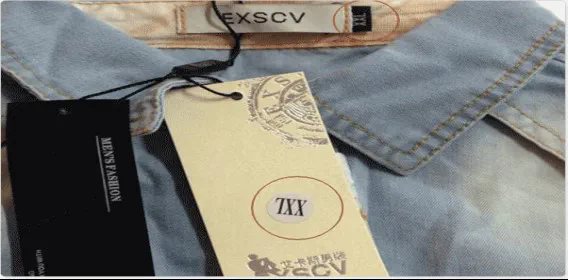
Read the size label in the photo, then the colour: menus that name colours by code are where wrong colours come from. If you asked for a measurement photo, check the tape runs level from one underarm seam to the other, not slanted.
Requesting an extra photo before or after arrival
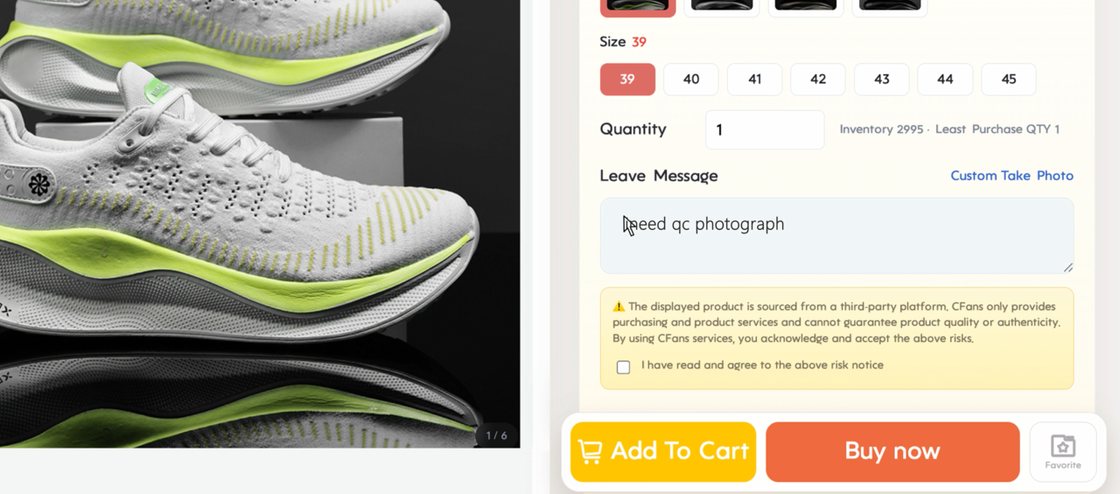
There are three ways. Before paying, type your request into Leave Message on the item page, or use Custom Take Photo. After the goods arrive, the help centre points to paid value-added inspection in My Warehouse for anything beyond the standard check, such as opening a sealed box. We could not see prices for these without signing in, so we do not quote any.
Keep requests specific and measurable: "tape across the chest of the size L", "insole length of the left shoe", "both pearls side by side in daylight". Vague requests get vague photos.
Green light or red light after the photos
Buyers call it GL (green light) when the photos are fine and the item can ship, and RL (red light) when it goes back. At CFans a red light means a return to the seller within five days of arrival at the warehouse, through after-sales. The cost is the subject of two official answers that do not agree, covered on our returns page.
Returns, claims and the five-day window